> For the complete documentation index, see [llms.txt](https://docs.kynno.app/llms.txt). Markdown versions of documentation pages are available by appending `.md` to page URLs; this page is available as [Markdown](https://docs.kynno.app/easybloggers/getting-started/brands/prepare-your-dropbox.md).
# Prepare your dropbox
The dropboxes are what host your products, textures and notecards to use within the system.
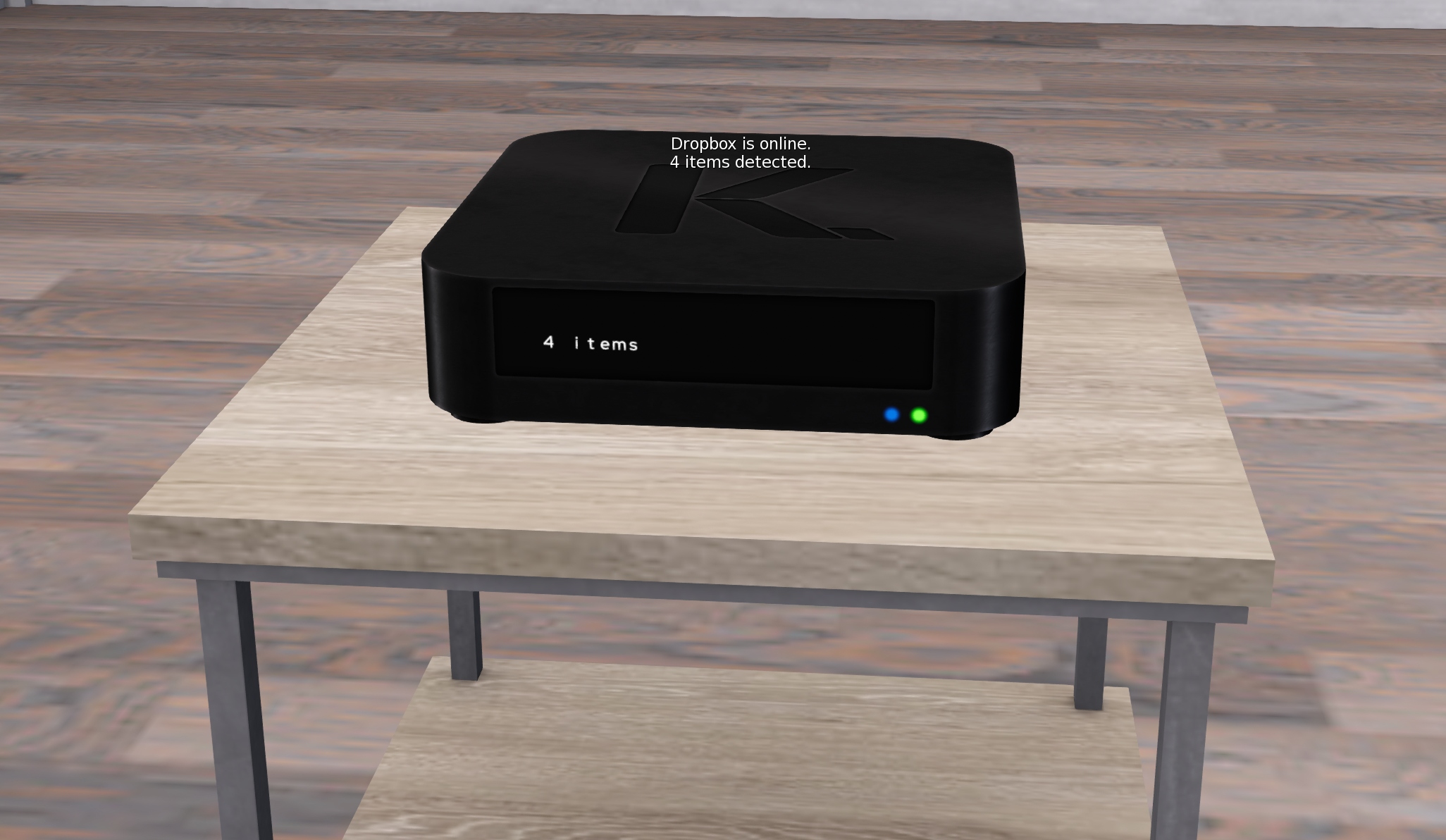
The default Dropbox already contains 4 notecards:
* **YOUR BRAND: Application approved**: Send to any bloggers you accept via their blogger application.
* **YOUR BRAND: Application rejected**: Send to any bloggers you reject via their blogger application.
* **YOUR BRAND: New mail posted**: Send to your team when you create a new Mail
* **YOUR BRAND: New product available**: Send to your team when you publish a new Product
{% hint style="warning" %}
We highly encourage you to change the name of the notecards to your actual brand name.
{% endhint %}
{% hint style="info" %}
The notecards are entirely customizable. EasyBloggers provides the template and the default notecards to help you get started but feel free to change their content.
{% endhint %}
{% hint style="success" %}
Are you short on space on your land or want another location to host your Dropboxes? EasyBloggers includes free access to the [Dropbox Storage Facility](/easybloggers/getting-started/brands/more-features/dropbox-storage-facility.md).
{% endhint %}
## Customization
The dropboxes are unique and offer a lot of customization. Click a dropbox, then click `🎨 Design` and change it to your liking.