> For the complete documentation index, see [llms.txt](https://docs.kynno.app/llms.txt). Markdown versions of documentation pages are available by appending `.md` to page URLs; this page is available as [Markdown](https://docs.kynno.app/easybloggers/getting-started/brands/more-features/posts.md).
# Posts
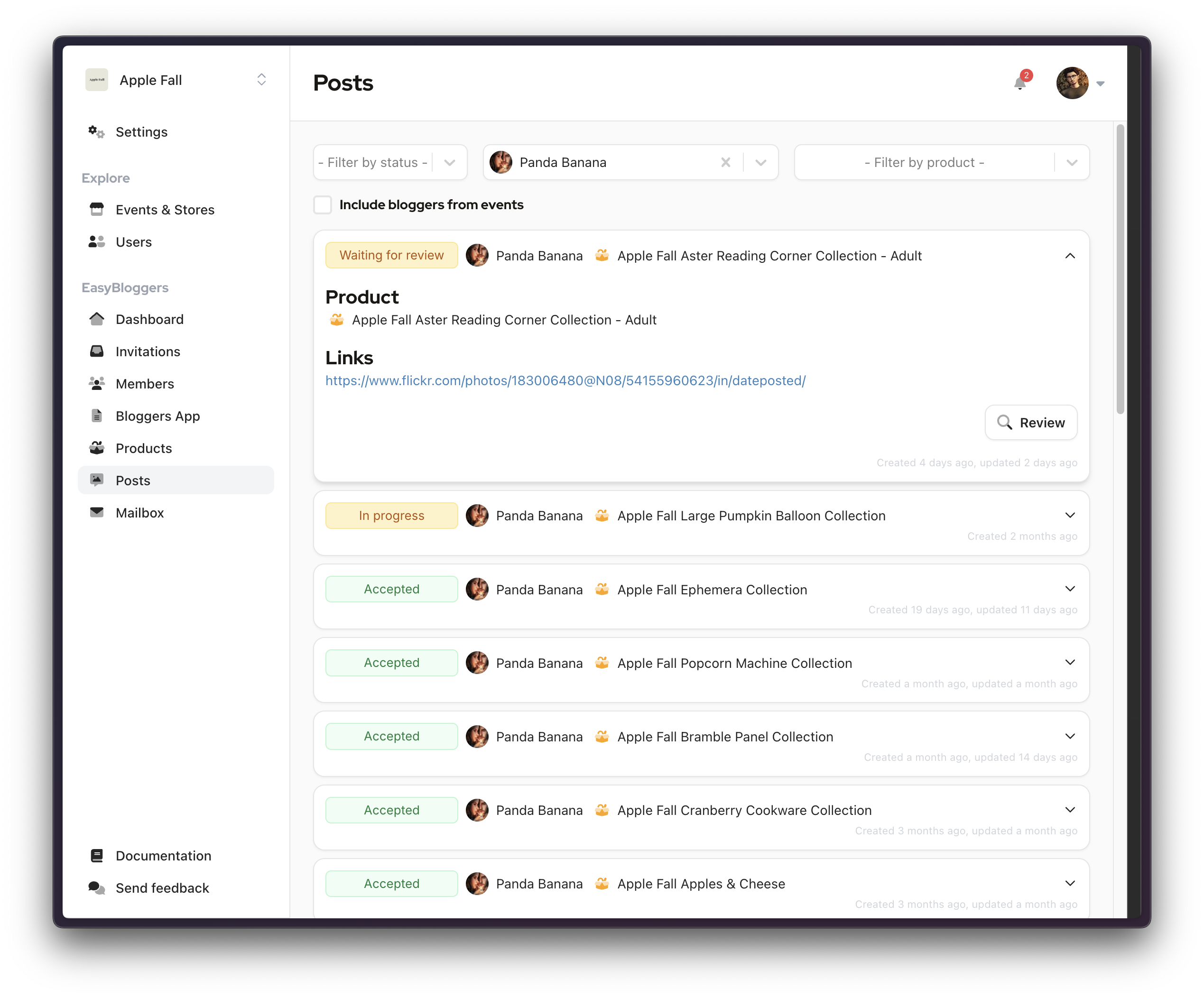
Posts are a collection of links, linked to a particular product. If needed, a blogger can request an extension of the deadline.
Posts are primarily created by bloggers, often including multiple links at once, typically redirecting to platforms like Primfeed or Facebook.
Initially, posts are set to a `In Progress` status and will remain so until the blogger completes the post. This keeps the process transparent and allows for seamless progress tracking.
{% hint style="info" %}
If a product has an associated deadline and a blogger fails to complete the corresponding post before its deadline, the post's status will change to `Missed Deadline.`
Following this, the blogger won't be able to request a new item from the store until the situation is resolved.
{% endhint %}
{% hint style="success" %}
For performance reasons, on your default posts view, we are applying default filters
\
B**rands**
* Accepted posts older than 1 month won't show.
Please note that when you apply a filter to your view, this date filter will not be applied.
{% endhint %}
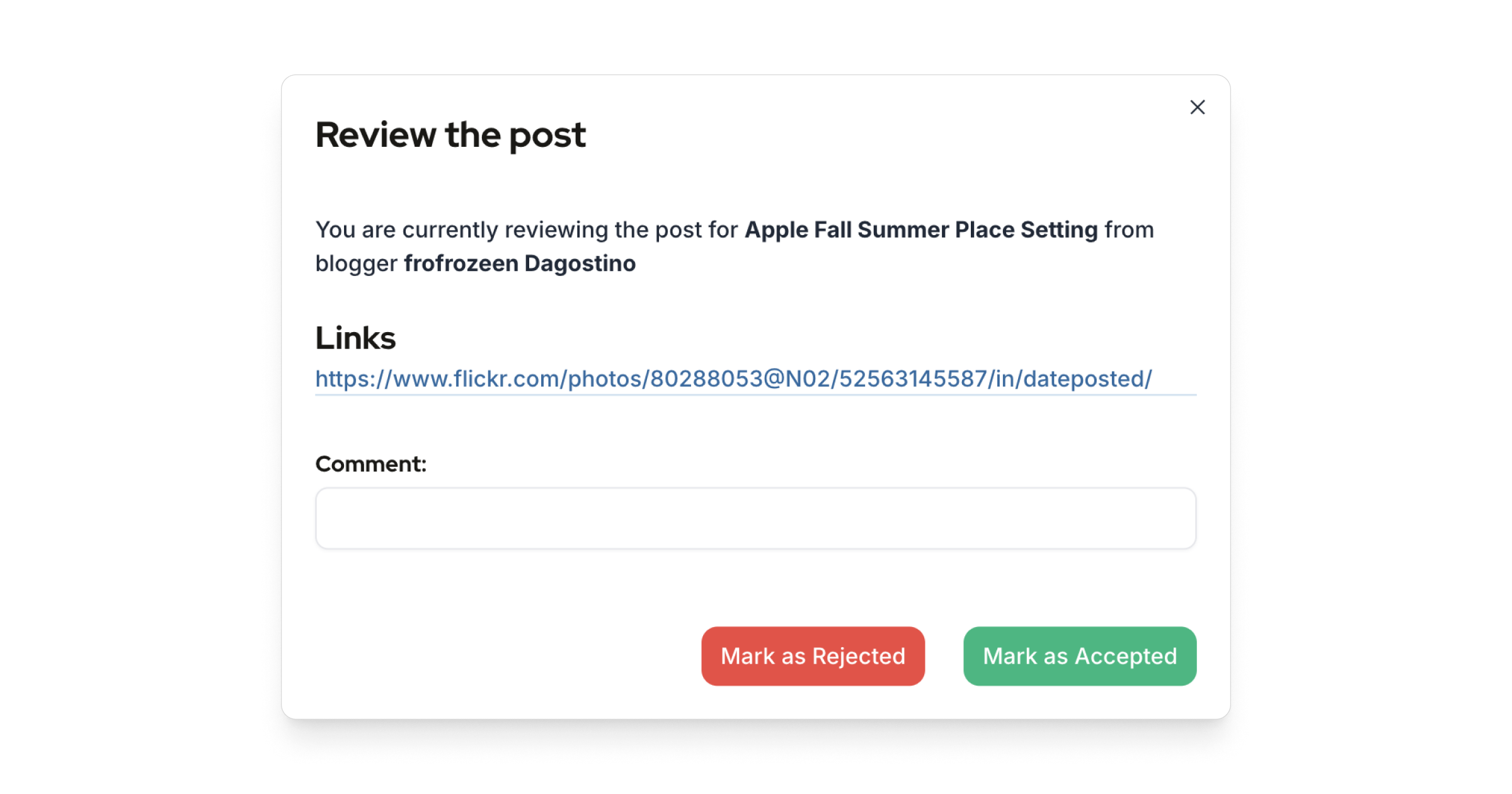
## Review the post
When a blogger has filled a post, an in-world notification will alert you. This allows you to review the URLs, provide feedback, and add comments as needed, maintaining communication and promoting a constructive working environment.
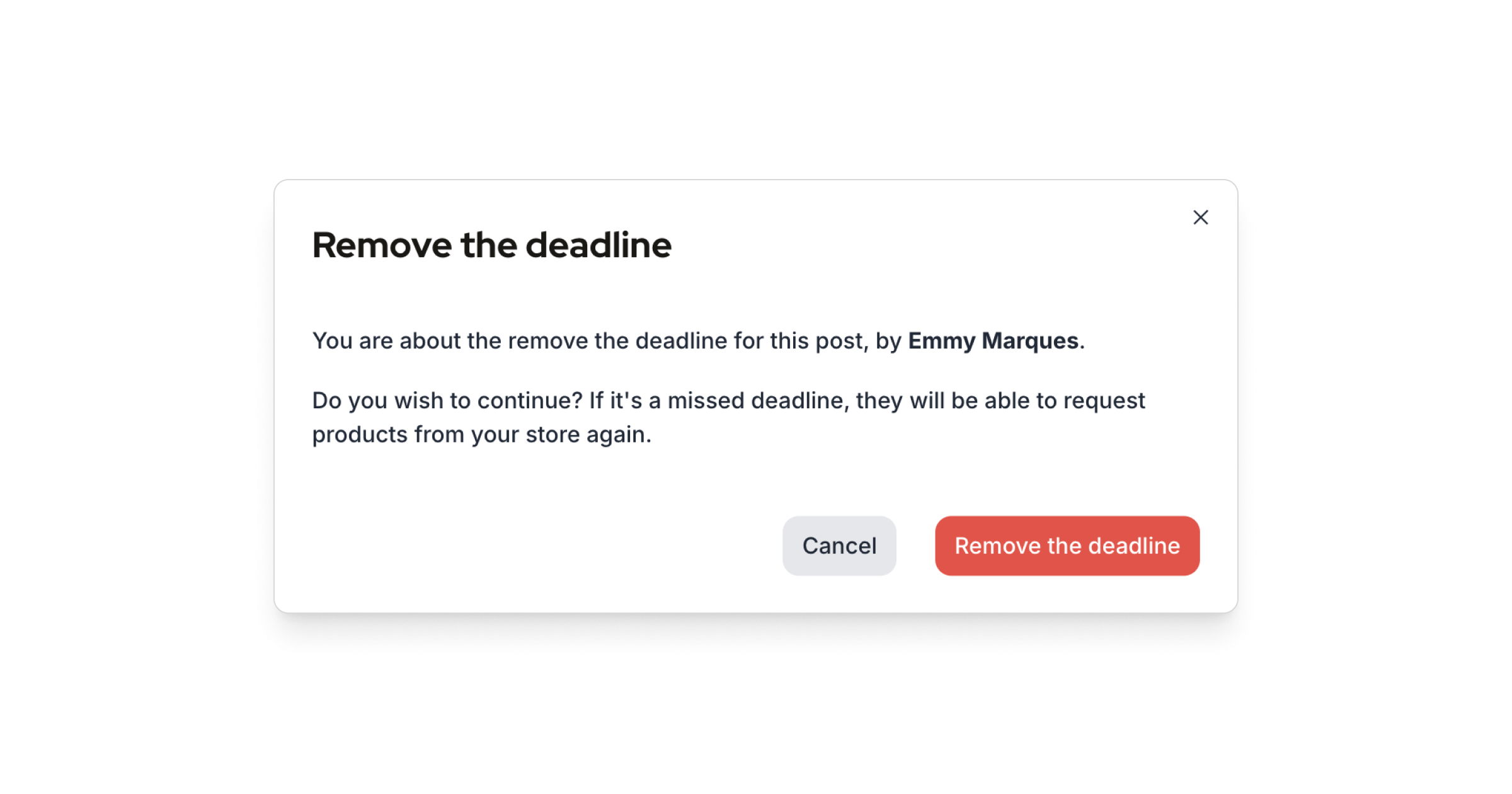
## Remove deadline
Creators and managers can remove the deadline for a particular post, open the post, and click `Remove the deadline`.