Besides apply, a HUD button can do other things. Name the prim after what it should do, and write what it needs in its description.
| Prim name | What a click does | Description |
|---|---|---|
apply |
Applies a texture set. | The texture set's name. |
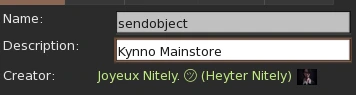
sendobject |
Gives an object from the HUD's contents. | The object's name. |
url |
Asks the customer to open a web page. | The URL. |
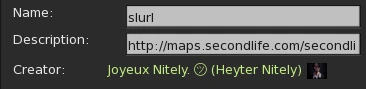
slurl |
Opens the map at a location. | The SLURL. |
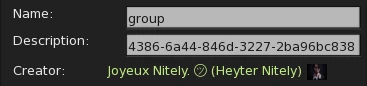
group |
Sends your group's link to the customer's local chat. | The group's UUID. |
rotate |
Turns the HUD to show another side. | The rotation. See Rotate HUD. |
detach |
Takes the HUD off. | Nothing. |
finish |
Lets customers delete the EasyTextures script from their object. | Nothing. |
Example: give your mainstore's landmark
This button is named sendobject, and its description is Kynno Mainstore. A click gives the customer the Kynno Mainstore object from the HUD's contents.