> For the complete documentation index, see [llms.txt](https://docs.kynno.app/llms.txt). Markdown versions of documentation pages are available by appending `.md` to page URLs; this page is available as [Markdown](https://docs.kynno.app/easysupport/create-a-smartbots-bot.md).
# Create a SmartBots bot
{% hint style="info" %}
If you already have a model bot on [SmartBots](http://www.mysmartbots.com/?by=6569290) running, you can skip this step and go to [Setting up your bot](/easysupport/setting-up-your-bot.md).
{% endhint %}
## Create your first SmartBots bot
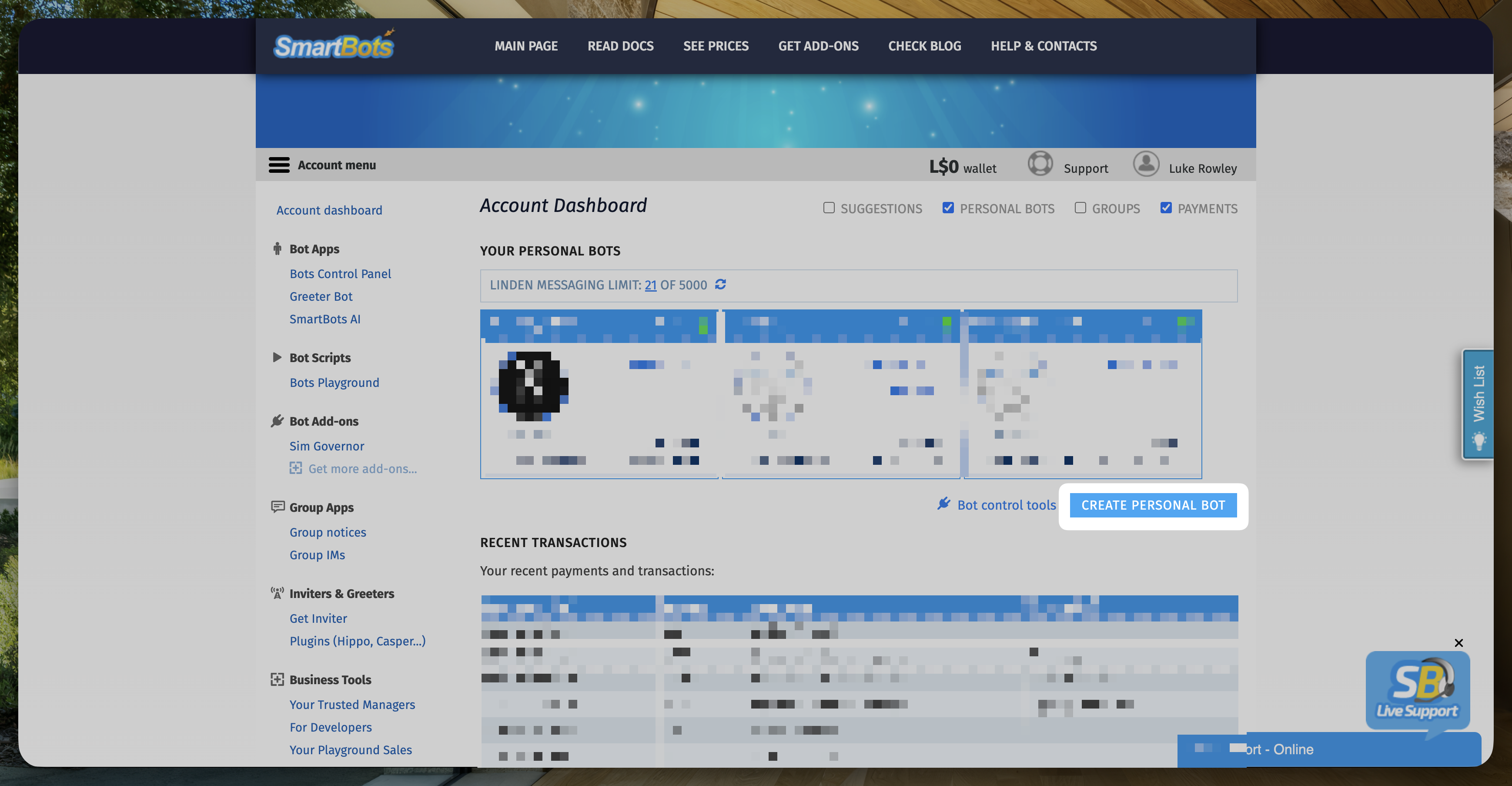
On your [SmartBots dashboard](https://www.mysmartbots.com/active/dashboard?by=6569290), click the button `Create personal bot`.
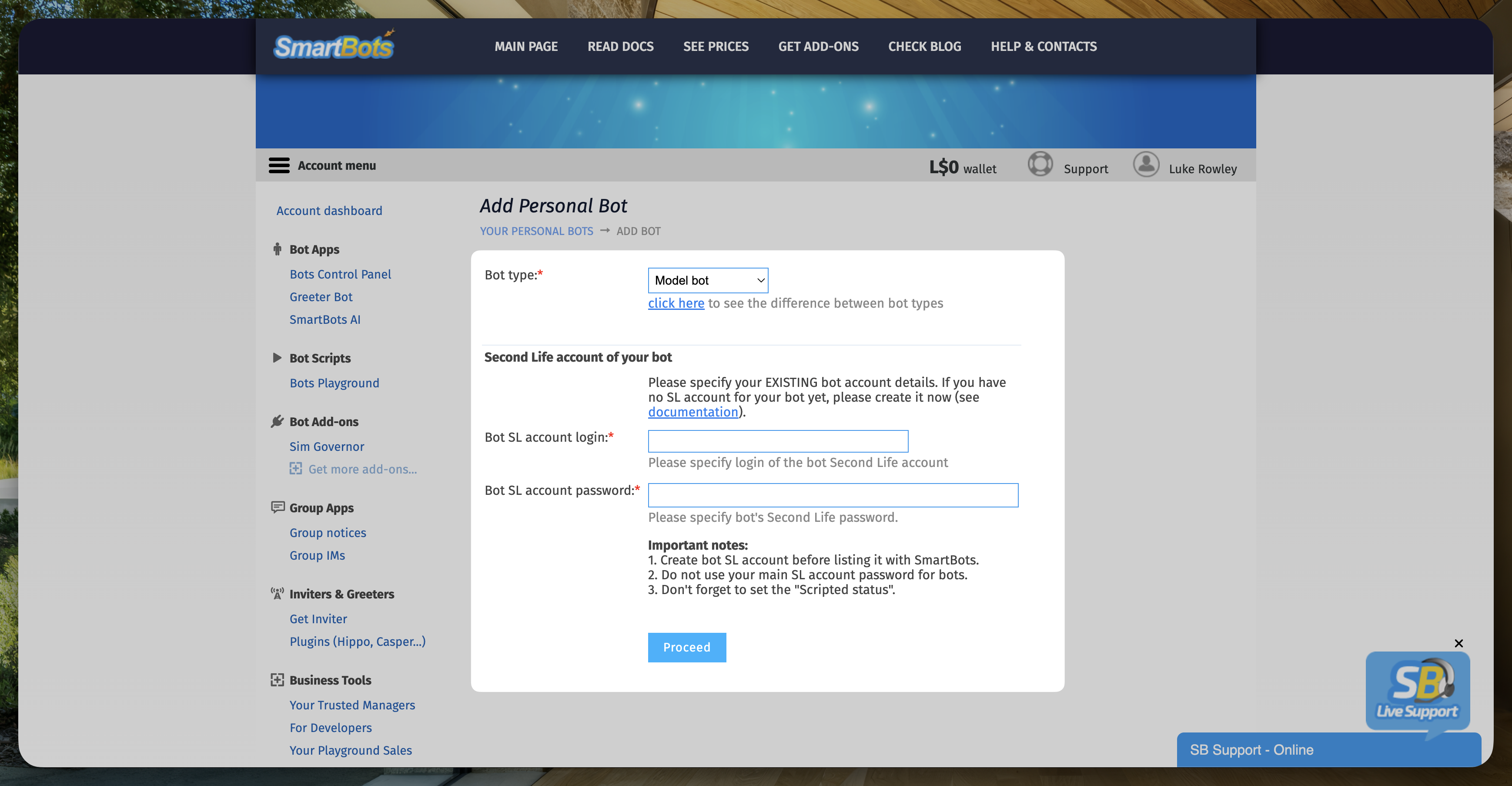
After that, it will ask you the bot type. For EasySupport and if you don't plan to use, choosing the `Model bot` is enough. You can see the pricing and other information about `Standard` and `Model` bot [here](https://www.mysmartbots.com/docs/Personal_Bots?by=6569290).
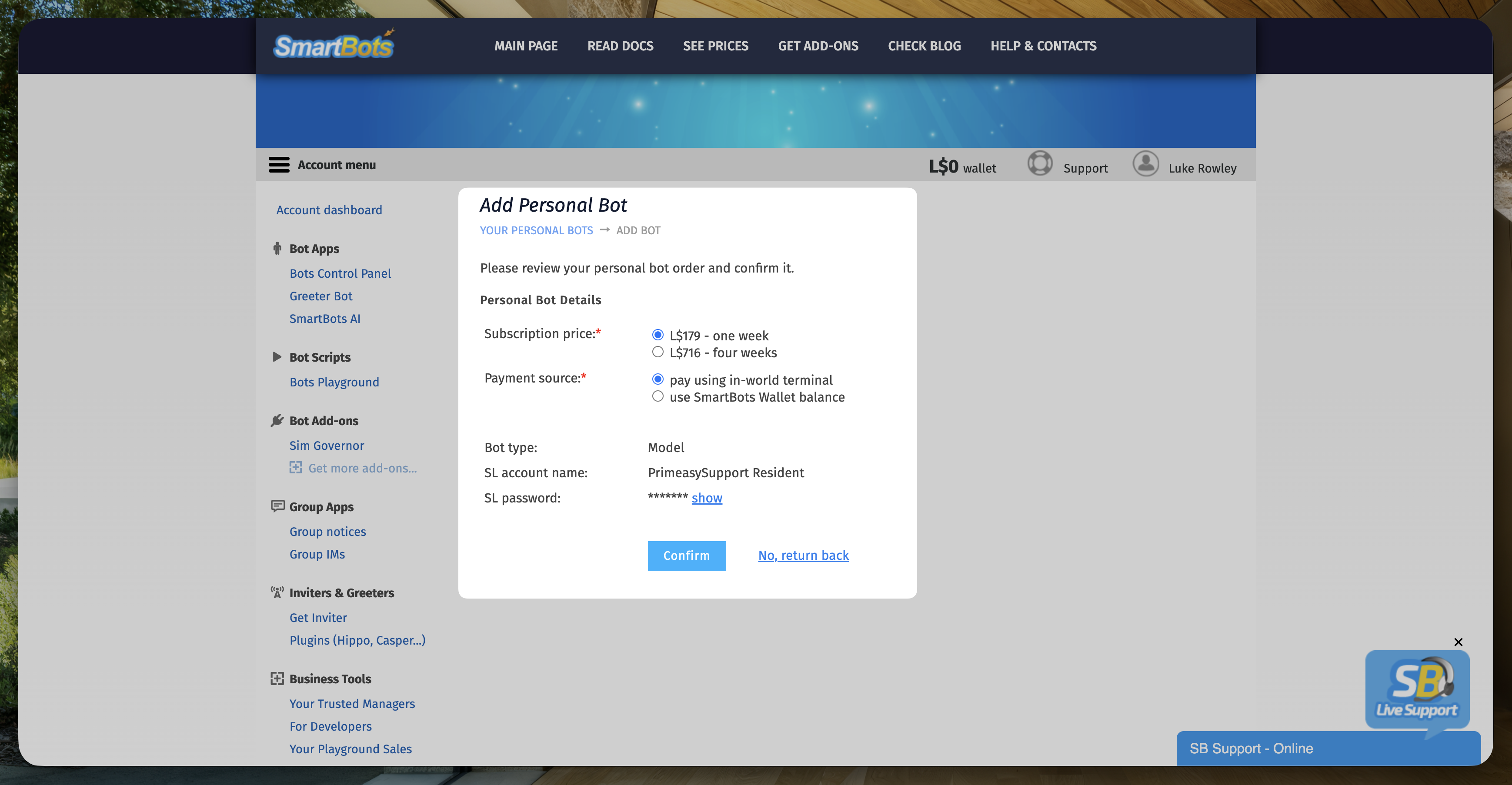
Click `Confirm` and your bot is now created. To activate it, you need to make the first payment.
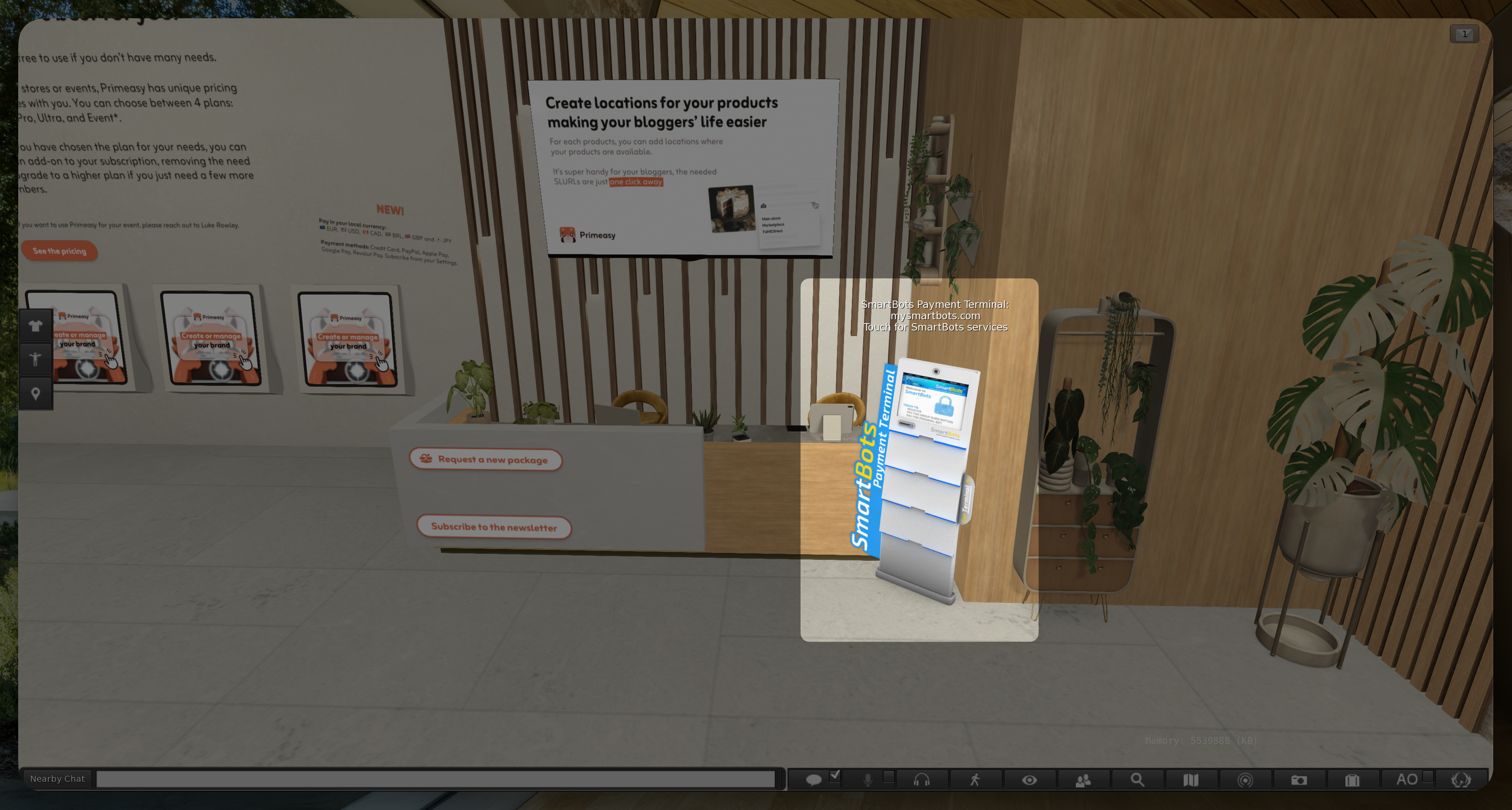
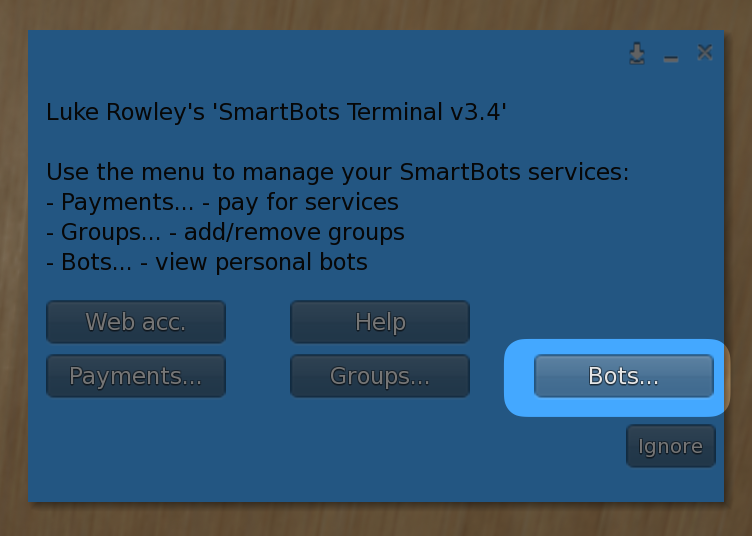
Visit and click the SmartBots terminal.
Then select `Bots` and follow the instructions.
Once you have make the first payment, your bot is activated and it's now time to setup the bot on EasySupport.